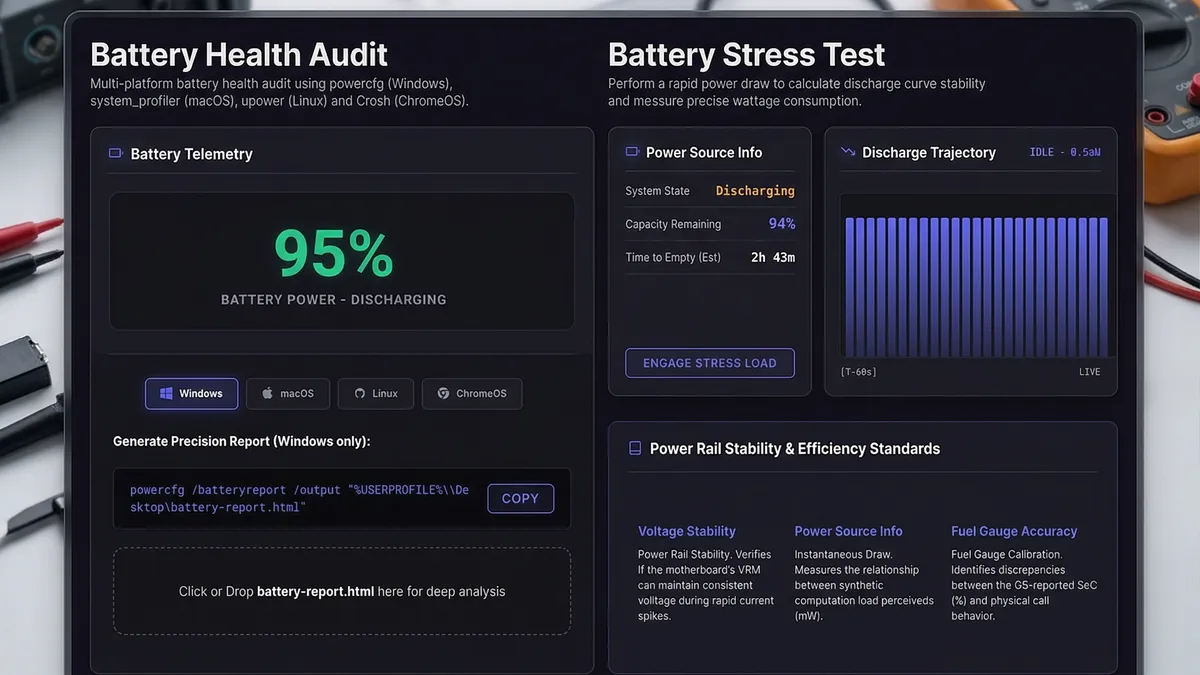
During a professional IT hardware audit, the battery is often the most commercially significant component to evaluate. A battery that reads 35% health is not the same as one that failed — and misclassifying it costs money in both directions. Interpreting ACPI telemetry correctly is a non-negotiable skill for any ITAD professional.
1. The Two Core Metrics
All battery health reporting — whether from SpecInfo, HWiNFO64, or a native powercfg /batteryreport — is built on exactly two ACPI values:
🔋 The Two Fundamental Battery Metrics:
- Designed Capacity (DC): The energy capacity the battery had when it left the factory, measured in mWh. This is a fixed reference value — it never changes. A 72 Wh laptop will always report ~72,000 mWh as its Designed Capacity.
- Full Charge Capacity (FCC): The actual maximum energy the battery can hold today, after electrochemical aging and charge cycle degradation. This value decreases over time. It is what your battery will charge up to when you plug it in right now.
2. How Wear Level Is Calculated
The wear level (and its inverse, battery health) is a direct ratio between these two values. The formula is simple:
🧮 Wear Level Formula:
- Wear Level (%) = 100 − (FCC ÷ DC × 100)
- Battery Health (%) = FCC ÷ DC × 100
- Example: DC = 50,000 mWh, FCC = 40,000 mWh → Health = 80%, Wear = 20%.
- Example: DC = 72,000 mWh, FCC = 36,000 mWh → Health = 50%, Wear = 50% — significant degradation, requires disclosure.
Most enterprise lease agreements and corporate hardware refresh cycles consider a battery a candidate for replacement when health falls below 75% (Wear Level > 25%). SpecInfo flags batteries at this threshold automatically during audit report generation.
3. ITAD Grading Matrix — Battery Health
Use this grading matrix when classifying laptops during ITAD intake or valuation:
| Battery Health | Wear Level | ITAD Grade | Action |
|---|---|---|---|
| ≥ 90% | < 10% | A+ / A | Full-price resale. Note as excellent battery. |
| 75% – 89% | 11% – 25% | A / B | Normal resale. Disclose wear level. |
| 50% – 74% | 26% – 50% | B / C | Price reduction or battery replacement before sale. |
| < 50% | > 50% | C / Repair | Battery replacement required before resale. |
4. Cycle Count & Age as Context
Wear level alone does not tell the full story. A battery at 72% health with only 80 cycles is unusual — it may indicate abnormal charging behavior, heat damage, or poor storage. A battery at 72% health with 450 cycles is entirely expected for a 3-year business laptop.
📊 Context Metrics to Record During Audit:
- Cycle Count: Number of complete charge/discharge cycles. Most Li-Ion batteries are rated for 300–500 cycles before significant degradation begins. Enterprise-class batteries (Dell, Lenovo) are often rated to 1,000 cycles.
- Battery Age: Cross-reference manufacture date with current date. A 5-year-old battery at 80% health is impressive; a 1-year-old battery at 70% health is a red flag requiring investigation.
- Charge Behavior: If the battery charges to less than 100% or shows irregular discharge curves, the battery management system (BMS) may have a fault — separate from cell degradation.
5. Why SpecInfo Uses Browser APIs — Zero Footprint Auditing
Traditional battery diagnostic tools require admin-level installation or native OS commands (powercfg /batteryreport). SpecInfo accesses the same ACPI telemetry directly through the secure Browser Battery Status API — no installation, no elevation, no trace left on the client's system.
In security-conscious enterprise environments (finance, healthcare, government), installing diagnostic software on a client's machine — even temporarily — can violate compliance policies. SpecInfo's browser-based approach reads battery telemetry without writing a single file to the device, making it safe for any environment.