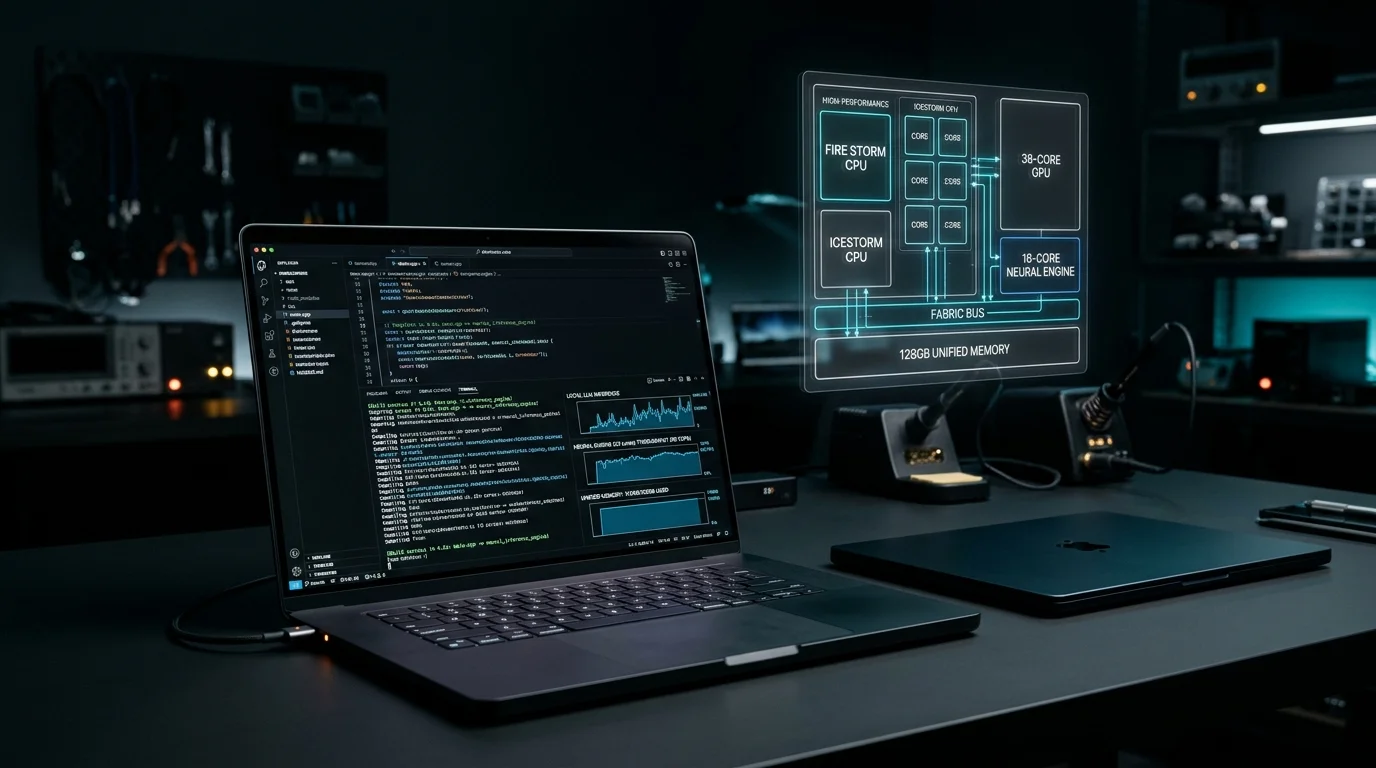
Choosing an Apple MacBook for software engineering and local AI is no longer a simple question of screen size. With four distinct silicon generations (M1, M2, M3, and M4), three chip tiers (Base, Pro, and Max), and memory configurations spanning 16GB to 128GB of Unified Memory, buying the wrong machine can leave you trapped with severe thermal throttling or crippling memory swap.
Yet, Apple Silicon has fundamentally rewritten mobile computing. While high-end Windows gaming laptops pull 250 Watts from the wall and throttle their performance by 60% the instant you unplug the power brick, an Apple Silicon MacBook delivers 100% of its full compute power and memory bandwidth on battery power in near-total silence.
In this definitive engineering guide, we dissect the physics of Unified Memory Architecture (UMA), evaluate fanless passive cooling against active Pro thermal systems, expose the truth about memory bandwidth downgrades, and rank the top 6 MacBooks for developers—including the best-kept secret in budget computing: Amazon Renewed M1 Pro and M1 Max flagship machines.
1. Why Unified Memory is the Developer's Secret Weapon
In traditional x86 Windows and Linux laptops, the CPU and dedicated GPU operate on completely separate memory islands. If your CPU loads a 40GB model file from disk into system RAM, it must then transfer that entire 40GB across the PCIe bus into GPU VRAM before inference can begin. If your model exceeds GPU VRAM by even 500MB, performance falls off a cliff.
Apple Silicon replaces this disjointed architecture with Unified Memory Architecture (UMA):
ZERO-COPY MEMORY PIPELINE
The CPU cores, Metal GPU clusters, and Neural Engine share the exact same physical LPDDR5/LPDDR5X silicon package. Pointers are shared instantly with zero memory-copying overhead. When you run an LLM in llama.cpp or PyTorch using Apple's mps backend, the GPU directly accesses the entire unified memory pool.
OVER-ALLOCATION VIA WIRED MEMORY
By default, macOS caps Metal GPU allocations at ~75% of total RAM. However, using the kernel command sudo sysctl iogpu.wired_mem_limit, engineers can safely allocate up to 85% to 90% of total unified memory to the GPU. A 64GB MacBook Pro effectively becomes a 54GB VRAM mobile workstation!
2. The Memory Bandwidth Hierarchy: Base vs. Pro vs. Max
As established in our Local AI Token Speed Guide, generation speed (tokens/sec) is strictly bound by physical memory bandwidth.
Here is the critical silicon breakdown that Apple rarely highlights in its marketing keynotes:
📊 Apple Silicon Memory Bus & Bandwidth Hierarchy
| Silicon Generation | Memory Bus Width | Peak Bandwidth | 7B Q4 Tok/s | 70B Q4 Tok/s |
|---|---|---|---|---|
| Base M2 / M3 / M4 | 128-bit LPDDR5 | 100 – 120 GB/s | ~18 – 22 tok/s | Cannot Run (Max 24GB) |
| M1 Pro / M2 Pro | 256-bit LPDDR5 | 200 GB/s | ~32 – 36 tok/s | ~3.5 tok/s (Max 32GB) |
| M3 Pro (Downgraded Bus) | 192-bit LPDDR5 | 150 GB/s (-25%) | ~24 – 28 tok/s | ~2.6 tok/s (Max 36GB) |
| M4 Pro (Restored Bus) | 256-bit LPDDR5X | 273 GB/s (+82%) | ~44 – 48 tok/s | ~4.8 tok/s (48GB UMA) |
| M1 Max / M2 Max / M3 Max | 512-bit / 384-bit | 300 – 400 GB/s | ~55 – 65 tok/s | ~8.5 – 11 tok/s |
| M4 Max (Flagship Silicon) | 512-bit LPDDR5X | 410 – 546 GB/s | ~75 – 95 tok/s | ~14 – 18 tok/s |
3. MacBook Air vs. MacBook Pro: The Thermal Reality
The MacBook Air is an engineering marvel. It is completely fanless with zero moving parts, silent under 100% load, and weighs just 1.24 kg (13") or 1.51 kg (15").
However, software engineers must understand the thermal physics:
- Short Bursts (< 5 minutes): During quick Rust compiles, Webpack builds, or short LLM prompt answers, the MacBook Air operates at 100% full speed. Its aluminum unibody absorbs the initial heat burst without throttling.
- Sustained Loads (> 8 minutes): If you run a continuous 500-token LLM loop, render a 4K video, or run heavy Docker clusters for 20 minutes, the chassis reaches its thermal limit of ~95°C on the SoC. The Air will throttle CPU/GPU clock speeds by 20% to 28% to prevent overheating.
- The MacBook Pro Solution: The 14-inch and 16-inch MacBook Pro feature high-efficiency centrifugal dual fans and thick copper heat pipes. Under full 100% CPU and GPU load, the fans spin up quietly, maintaining 100% sustained clock speeds indefinitely with zero thermal throttling.
4. The 8GB RAM Graveyard: Why 16GB is the Floor and 24GB–48GB is the Golden Zone
For years, Apple stubbornly sold entry-level MacBooks with 8GB of RAM, claiming that "8GB on a Mac is like 16GB on Windows."
In the real world of professional software development, 8GB was a catastrophic bottleneck:
- macOS system core and WindowServer consume ~3.5 GB.
- Opening VS Code or IntelliJ IDEA with TypeScript / Rust LSP language servers consumes ~2.0 GB.
- Running Docker Desktop with a PostgreSQL database and Redis container consumes ~3.0 GB.
- Opening 20 Chrome / Safari tabs consumes ~3.5 GB.
Total memory demand exceeds 12 GB immediately! On an 8GB machine, macOS is forced to continuously swap pages to the internal SSD, causing noticeable micro-stuttering, beachballs, and degrading the SSD's non-replaceable NAND write endurance (TBW).
The Golden Standard:
- 16GB: The absolute bare minimum for junior developers, web designers, and students.
- 24GB – 36GB: The sweet spot for senior full-stack developers running Docker, local IDEs, and 7B/8B local coding LLMs.
- 48GB – 128GB: The professional tier for SREs, machine learning engineers running 32B/70B models, and native iOS/macOS Xcode developers compiling massive codebases.
5. The MacBook Developer Hierarchy: 7 Best Machines & External NVMe Upgrades Ranked
Apple MacBook Pro 16" (M4 Max / M3 Max)
Apple MacBook Pro 14" (M4 Pro)
Apple MacBook Air 15" (M3 Silicon)
Apple MacBook Air 13" (M3 / M2, 16GB Memory)
Apple MacBook Pro 16" M1 Max 64GB (Amazon Renewed)
Apple MacBook Pro 14" M1 Pro 32GB (Amazon Renewed)
6. Native Apple MLX (+30% Speedup) & The External Thunderbolt 5 / USB4 NVMe Model Vault Trick
Two hardware and software breakthroughs—highlighted across real-world developer benchmarks (including Alex Ziskind / @AZisk and our own SpecInfo Lab tests)—completely transform how you configure a MacBook Pro or Mac Studio for local AI coding agents like Cline, Aider, and Continue.dev:
- 1. Switch from
GGUF (llama.cpp)to NativeApple MLX: WhileOllamauses cross-platformGGUFweights over Metal, Apple's own open-sourceMLXengine (supported natively inside LM Studio and viamlx_lm.server) uses unified-memory kernels specifically tuned for M-series GPU clusters. Switching the exact sameQwen 2.5 Coder 32BorLlama 3.3 70Bmodel from 4-bit GGUF to 4-bit / 8-bit MLX boosts prompt prefill and token generation speed by 25% to 35%! - 2. Never Overpay for Apple's Internal SSD Upgrades—Build an External
Thunderbolt 5 / USB4 NVMeVault: Always spend your budget on Unified Memory (RAM) first, because RAM is soldered forever. For storage, order the base512GBor1TBinternal SSD and plug a compact finned aluminumThunderbolt 5 (80 Gbps, ~6,000 MB/s)orUSB4 (40 Gbps, ~3,800 MB/s)enclosure holding a2TB or 4TB PCIe 4.0 TLC NVMe SSD(Samsung 990 PRO/WD_BLACK SN850X) into the Thunderbolt port. PointOLLAMA_MODELSor LM Studio's model directory to the external drive: a20 GBcoding model loads into RAM in under4 seconds!
Thunderbolt 5 (80 Gbps) / USB4 (40 Gbps) NVMe Enclosure + 4TB TLC SSD
.gguf, MLX, and Docker image library in your pocket between your MacBook Pro, Mac Studio, and Linux workstation. See our External NVMe Bridge Controller Guide.