The AI GPU Hierarchy: Best Graphics Cards for Local LLMs, Ollama & Deep Learning Ranked by VRAM & Bandwidth
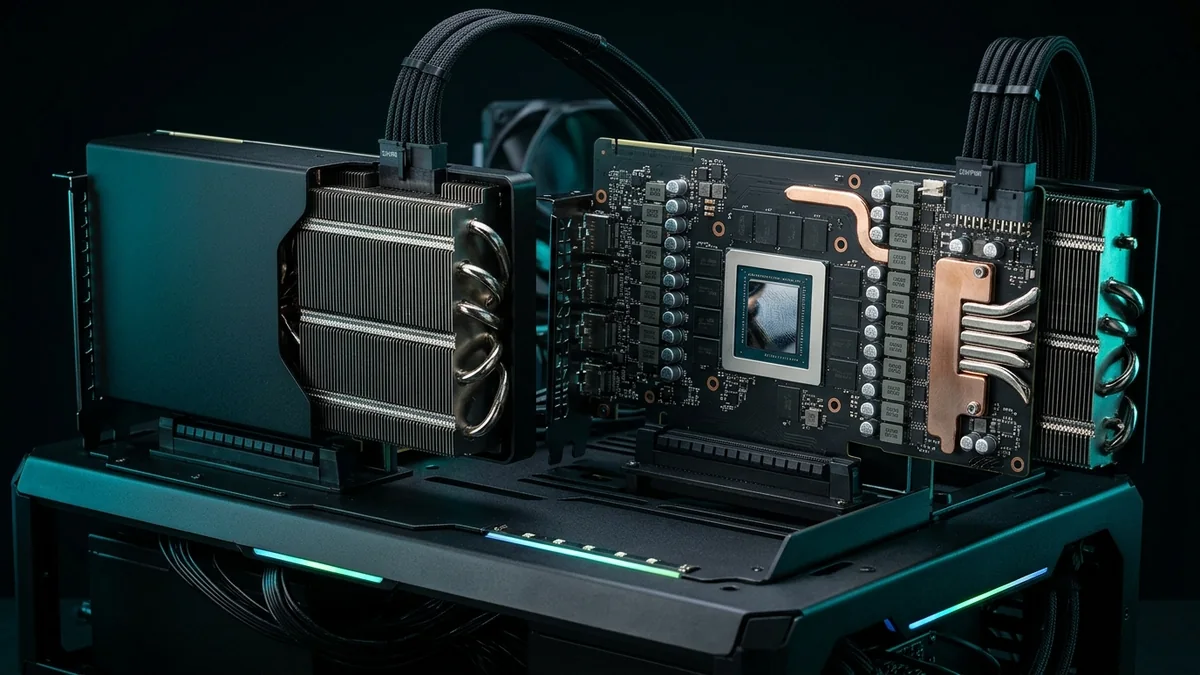
In traditional 3D gaming, graphics cards are judged by raw rasterization clock speed and TFLOPS. In local Artificial Intelligence and Large Language Models, those metrics are completely misleading. If your GPU lacks sufficient VRAM to hold the model weights and KV cache, inference performance instantly falls off a cliff—dropping from 85 tokens per second to an agonizing 2 tokens per second as data spills across the slow PCIe bus. Here is the verified 2026 hardware engineering ranking of the Top 10 GPUs for local AI, Ollama, DeepSeek, Qwen, and Stable Diffusion.
- Law 1: VRAM Capacity is King: A model must fit entirely in high-speed video RAM. A £700 GPU with 12GB VRAM will fail to load a model that runs smoothly on a £350 GPU with 16GB VRAM. VRAM defines what you can run; compute defines how fast.
- Law 2: Memory Bandwidth (GB/s) Dictates Token Generation Speed: Autoregressive LLM generation is fundamentally memory-bound. A card with a 384-bit bus (RTX 3090/4090 at ~1,000 GB/s) generates text twice as fast as a card with a 128-bit bus (RTX 4060 Ti at 288 GB/s), even if their compute cores are idle.
- Law 3: The CUDA Moat Remains Real: While AMD ROCm and Apple Metal have improved dramatically, NVIDIA CUDA, TensorRT-LLM, FlashAttention-2, and BitsAndBytes remain the industry standard. For zero-friction, copy-paste deployment, NVIDIA hardware remains the golden standard.
Why Investing in a 24GB GPU Saves Thousands in Cloud API Fees and Guarantees 100% Data Privacy
A developer or enterprise team paying for ChatGPT Team, Claude Pro, and mid-tier OpenAI API tokens routinely spends £60 to £300+ every single month—while transmitting sensitive corporate data, confidential code, and proprietary customer records across third-party cloud servers. Purchasing a dedicated 24GB AI workstation GPU (like a refurbished RTX 3090 or flagship RTX 4090) amortizes itself within 6 to 12 months, unlocking zero latency, unlimited tokens, offline zero-trust privacy, and 24/7 autonomous agentic workflows without monthly recurring bills.
1. The 16GB vs 24GB Threshold
A 16GB card easily handles 8B parameter models and tightly squeezed 14B models. However, the moment you want to load 32B models (like Qwen 2.5 Coder 32B) or 70B quantized models, 16GB overflows and crashes. A 24GB buffer provides the critical headroom needed for large 32K context windows and KV cache expansion without running out of memory.
2. Bus Width & Memory Bandwidth
In LLM text generation, every single token output requires streaming every single parameter weight through the GPU memory bus once. On an RTX 4090 (1,008 GB/s), a 14B model outputs at ~70 tokens/sec. On a narrow 128-bit bus card (288 GB/s), that identical model outputs at ~20 tokens/sec. Wide memory buses are essential for real-time speed.
3. Multi-GPU Scalability (2x 24GB = 48GB)
Modern inference engines (vLLM, Ollama, llama.cpp) natively split models across multiple PCIe slots using tensor parallelism. Two used RTX 3090 cards cost ~£1,400 total and provide 48GB of GDDR6X VRAM—running full 70B parameter models faster than an enterprise £7,000 single GPU.
⚡ Interactive Master AI GPU Comparison Engine
| Rank & Model | VRAM & Type | Memory Bus | Bandwidth | Max Model Fit | Deal Link |
|---|---|---|---|---|---|
| #1 NVIDIA RTX 4090 | 24GB GDDR6X | 384-Bit | 1,008 GB/s | 32B (Q4) / 14B (Q8) | Check Deal ↗ |
| #2 NVIDIA RTX 3090 | 24GB GDDR6X | 384-Bit | 936 GB/s | 32B (Q4) / 14B (Q8) | Check Deal ↗ |
| #3 Mac Studio M4/M3 | 64GB–128GB Unified | Wide Fabric | 400–800 GB/s | 70B / 120B in VRAM | Check Deal ↗ |
| #4 RTX 4070 Ti SUPER | 16GB GDDR6X | 256-Bit | 672 GB/s | 14B (Q8) / 20B (Q4) | Check Deal ↗ |
| #5 RTX 4060 Ti 16GB | 16GB GDDR6 | 128-Bit | 288 GB/s | 14B (Q8) / SDXL | Check Deal ↗ |
| #6 RTX 4080 SUPER | 16GB GDDR6X | 256-Bit | 736 GB/s | 14B (Q8) / 20B (Q4) | Check Deal ↗ |
| #7 AMD RX 7900 XTX | 24GB GDDR6 | 384-Bit | 960 GB/s | 32B (Q4) via ROCm/Vulkan | Check Deal ↗ |
| #8 RTX 4070 SUPER | 12GB GDDR6X | 192-Bit | 504 GB/s | 8B (Q8/FP16) + Context | Check Deal ↗ |
| #9 RTX 3060 12GB | 12GB GDDR6 | 192-Bit | 360 GB/s | 8B (Q4/Q8) Ollama | Check Deal ↗ |
| #10 Dual-GPU (2x 3090) | 48GB GDDR6X | 2x 384-Bit | 1,872 GB/s | Full 70B (Q8) | Check Deal ↗ |
NVIDIA GeForce RTX 4090 24GB GDDR6X
The undisputed apex predator of AI inference and fine-tuning. Built on Ada Lovelace AD102 architecture with 4th Gen Tensor Cores supporting native FP8 precision for double the inference throughput.
Lab Verdict: If your budget permits, this is the single best investment for commercial AI development, high-throughput batch generation, and training LoRA adapters locally without cloud dependence.
NVIDIA GeForce RTX 3090 24GB GDDR6X
The open secret of the local AI engineering community. Delivers the same 24GB frame buffer and nearly identical memory bandwidth (936 GB/s) as modern flagships for less than half the price.
Lab Verdict: The absolute sweet spot for solo developers, students, and homelabs. Buying an RTX 3090 gives you full access to 70B quantized models and large ComfyUI SDXL pipelines at unbeatable price-per-gigabyte.
Apple Mac Studio / Mac Mini M4 (32GB–64GB Unified Memory)
Apple Silicon's unified memory architecture allows the GPU cores to access the entire system RAM pool. Run 70B parameter models completely silently in a tiny 30W desktop box.
Lab Verdict: While token generation speed is lower than an RTX 4090, Apple Silicon is the only affordable and silent way to run massive 70B parameter models without installing 1000W power supplies and multi-fan rigs.
NVIDIA GeForce RTX 4070 Ti SUPER 16GB GDDR6X
Unlike the regular 4070 series which is crippled by a narrow 192-bit bus and 12GB VRAM, the 'Ti SUPER' upgrade features a full 256-bit bus, 16GB GDDR6X, and 672 GB/s bandwidth.
Lab Verdict: The ideal sub-£750 card for developers who want brand new Ada Lovelace architecture, low power draw, and full warranty while handling 14B models and Stable Diffusion XL comfortably.
NVIDIA GeForce RTX 4060 Ti 16GB GDDR6
The budget champion that defied gaming reviewers. While mocked for its narrow 128-bit memory bus in gaming benchmarks, the 16GB frame buffer makes it a secret weapon for budget AI builders.
Lab Verdict: Do not buy this for 4K gaming, but absolutely buy this if you have a strict £400 budget and want to run ComfyUI image synthesis or 8B/14B LLMs without getting out-of-memory errors.
NVIDIA GeForce RTX 4080 SUPER 16GB GDDR6X
Blistering fast token generation for medium-sized models. Features 10,240 CUDA cores and 736 GB/s memory throughput on a solid 256-bit bus.
Lab Verdict: Extremely fast, but for pure AI developers, the 16GB VRAM ceiling at £900+ is hard to justify when a refurbished 24GB RTX 3090 costs less and fits larger models.
AMD Radeon RX 7900 XTX 24GB GDDR6
AMD's flagship packing a massive 24GB frame buffer and 960 GB/s bandwidth. Fully unlocked for AI on Linux via AMD ROCm 6.x and llama.cpp Vulkan drivers.
Lab Verdict: An outstanding choice for Linux workstations running Ollama. If you avoid proprietary Windows-only CUDA libraries, the 7900 XTX provides massive 24GB memory bandwidth at brand-new pricing.
NVIDIA GeForce RTX 4070 SUPER 12GB GDDR6X
If you only need to run 7B and 8B parameter models (such as Llama 3.1 8B or Mistral 7B) at lightning speed, this sub-£550 card delivers over 120 tokens/sec.
Lab Verdict: Great balance for gamers who also dabble in coding assistants. Just be aware that 12GB will struggle with 14B+ models and long document context windows.
NVIDIA GeForce RTX 3060 12GB GDDR6
The card that refuses to die. Available for under £260, its 12GB frame buffer allows university students and hobbyists to run PyTorch without breaking the bank.
Lab Verdict: The single cheapest entry point into the NVIDIA CUDA ecosystem with more than 8GB of VRAM. It won't break speed records, but it reliably runs Ollama and Stable Diffusion 1.5.
Dual-GPU Homelab Rig (2x NVIDIA RTX 3090 24GB = 48GB VRAM)
The ultimate engineering hack for running massive 70B parameter models at full uncompromised precision without taking out a second mortgage.
Lab Verdict: Requires a motherboard with 3-slot PCIe spacing and capable cooling (preferably blower-style cards or a high-airflow case like the Fractal Torrent), but delivers enterprise deep learning capability at hobbyist pricing.
Engineering Summary: Which AI GPU Should You Buy?
- Best Uncompromising Single GPU: NVIDIA GeForce RTX 4090 24GB ↗.
- Best Price-to-Performance 24GB Workhorse: NVIDIA GeForce RTX 3090 24GB ↗.
- Best Silent Mac Node for 70B Models: Apple Mac Studio M4 / M3 (32GB–64GB) ↗.
- Best Modern 16GB Sweet Spot: NVIDIA GeForce RTX 4070 Ti SUPER 16GB ↗.
- Best Budget Sub-£430 16GB VRAM Ticket: NVIDIA GeForce RTX 4060 Ti 16GB ↗.