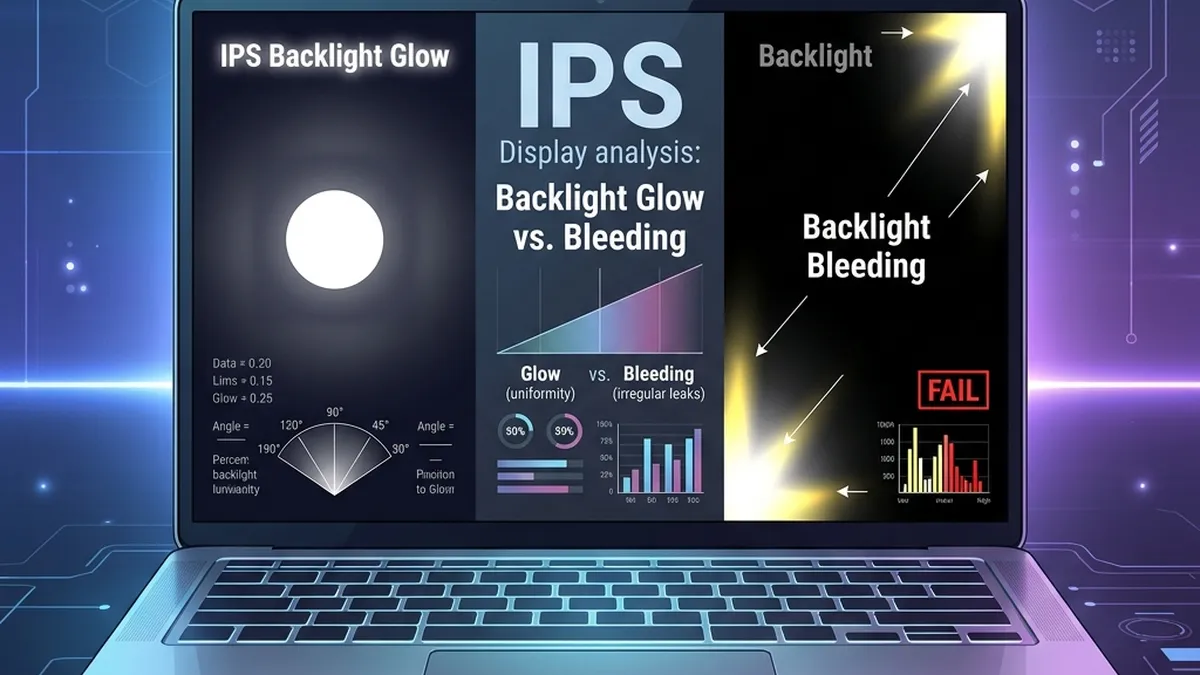
One of the most common reasons for laptop returns and ITAD grade disputes is "yellowish or bright corners" on a dark screen. In practice, over 80% of these returns are incorrectly classified — the hardware is completely within specification. Understanding the optical physics of IPS panels is not optional knowledge for a field engineer or ITAD grader: it directly impacts asset valuation and warranty claim outcomes.
1. The Physics Behind IPS Glow
IPS (In-Plane Switching) LCD panels use a fundamentally different crystal alignment method compared to TN (Twisted Nematic) panels. The crystals rotate in a horizontal plane, which delivers superior colour accuracy and wide viewing angles — but introduces a structural side effect.
When off-axis light from the LED backlight interacts with the polarizing layers of the IPS panel at oblique angles, it passes through the crystal layer without being fully blocked. This creates a characteristic silvery, golden, or rainbow-tinted shimmer visible primarily in the corners when displaying a dark image at low brightness.
🔬 IPS Glow — Diagnostic Profile:
- Root Cause: Polarization filter interaction with oblique backlight rays — inherent to IPS panel construction.
- Visual Signature: Silvery, golden or rainbow shimmer — appears in all four corners symmetrically.
- Viewing Angle Response: Shifts, reduces or disappears as you move your head. This is the definitive diagnostic test.
- Brightness Dependency: Only visible at low brightness (0–30%). Disappears above 40% brightness in standard lighting.
- Lighting Dependency: Only visible in darkened rooms. Not visible in normal office lighting.
- ITAD Grade Impact: ✅ None. IPS Glow is a panel characteristic — not a defect.
2. Understanding Backlight Bleed
Backlight Bleed (BLB) is a mechanical failure. It occurs when the LCD bezel frame applies uneven pressure to the panel module edges, creating microscopic gaps between the backlight housing and the light-diffusion layers. Light from the LED strip physically leaks through these gaps and illuminates the panel from behind.
Unlike IPS Glow, Backlight Bleed has nothing to do with your viewing angle. The bright patch is caused by physical light escaping at a fixed point — it will stay in exactly the same position no matter how you move your head or body.
⚠️ Backlight Bleed — Diagnostic Profile:
- Root Cause: Bezel mechanical pressure, loose panel retaining clips, physical damage, or manufacturing defect.
- Visual Signature: Bright white or yellowish patch — concentrated on one or two edges, typically bottom or corners — always asymmetric.
- Viewing Angle Response: Completely static — does not move, reduce or change regardless of viewing angle.
- Brightness Dependency: Visible at 50%+ brightness in a normally lit room — this is the key warranty threshold.
- Causes at Refurb: Overtightened bezel screws, bezel flex from prior damage, replacement screen not properly seated.
- ITAD Grade Impact: ❌ Grade penalty — mild BLB (Grade B), severe BLB (Grade C or Repair required).
3. The 60-Second Field Test Protocol
Use this rapid 3-step procedure to definitively classify any display anomaly in under 60 seconds during an audit:
- Black Screen at 15% Brightness (Dark Room): Load a full-screen solid black image. Reduce brightness to 15%. Darken the room. Any anomalies will now be visible.
- Viewing Angle Shift Test: Move your head 30–45° left and right, up and down. Does the bright patch move or fade? → IPS Glow (no defect). Does it remain completely fixed? → Backlight Bleed (hardware defect).
- 50% Brightness Standard Test: If Backlight Bleed is suspected — raise brightness to 50%, turn on normal room lighting. Still clearly visible? → Warrantable defect. Document with photograph.
Enterprise laptop warranties (Dell ProSupport, Lenovo Premier Support, HP Care Pack Business) only accept Backlight Bleed warranty claims when the bleed is clearly visible at ≥50% brightness in a normally lit room. Any bleed only visible in a dark room at low brightness falls below the defect threshold. Always document your audit conditions (room lighting, brightness %) in the warranty case notes.
4. ITAD Hardware Grading Reference
Use this grading matrix when assessing display condition for ITAD asset classification:
| Display Condition | Classification | ITAD Grade | Action |
|---|---|---|---|
| No anomalies visible at any brightness | Perfect Display ✅ | Grade A+ | Full price resale |
| IPS Glow visible in dark room at <30% brightness | Normal Characteristic ✅ | Grade A / A+ | No penalty — document as "IPS characteristic" |
| Mild BLB — visible in dark room only, not at 50% brightness | Borderline ⚠️ | Grade A / B | Document and disclose — minor value impact |
| Moderate BLB — visible at 50% brightness in normal lighting | Hardware Defect ❌ | Grade B | Warranty claim or price penalty |
| Severe BLB — multiple zones, visible in daylight | Major Defect ❌ | Grade C / Repair | Screen replacement required before resale |
5. Common Misclassification Scenarios
These are the most frequent audit mistakes encountered in the field:
🚫 Top 4 IPS Glow Misclassifications:
- Phone camera amplification: Smartphone cameras are far more sensitive to glow than the human eye. Photographs of IPS screens in dark rooms almost always exaggerate glow — always verify visually before rejecting stock.
- Zero-brightness stress test: Testing a display at 0% brightness in a pitch-black room is not a valid audit condition. No warranty standard covers defects visible only under these conditions.
- Bezel overflex after lid replacement: A newly installed replacement lid or bezel can introduce mild BLB from over-tightened screws. Loosen outer bezel screws by ¼ turn and re-test before classifying as defective panel.
- Confusing dirty screen effect with bleed: A smeared or greasy screen surface can create the visual appearance of uneven brightness. Always clean the display with a dry microfibre cloth before any brightness audit.
6. Using SpecInfo Screen Audit Module
The SpecInfo Screen Audit module runs all display tests directly in your browser — no software installation, no data upload. Use it on any laptop during an ITAD intake or warranty inspection:
🖥️ SpecInfo Display Test Battery:
- Dead Pixel Scanner: Full-screen RGB sweep (red, green, blue, white, black) — detects stuck, dead, and hot pixels.
- Solid Black Backlight Test: Controlled 100% black screen at adjustable brightness — standard protocol for BLB/Glow classification.
- Grey Gradient Uniformity: Smooth 0–100% gradient — reveals clouding, dirty screen effect, or backlight brightness non-uniformity.
- Colour Patch Reference: Standard sRGB / DCI-P3 colour patches for gamut comparison — useful for assessing panel colour shift on older OLED/IPS units.
- Viewing Angle Test Pattern: High-contrast checkerboard pattern — helps identify TN panel colour shift and confirm IPS vs TN panel type.